
Unified Team Inbox Platform in Bangalore
Bring customer conversations from WhatsApp, Instagram DMs, Facebook Messenger, and Website Live Chat into a single collaborative workspace. Empower your team to resolve support tickets faster with automated routing and shared visibility.

Collaborative Inbox Features Built for Modern Support Teams
Eliminate chaotic password sharing and fragmented chat windows with an enterprise messaging inbox built for speed.
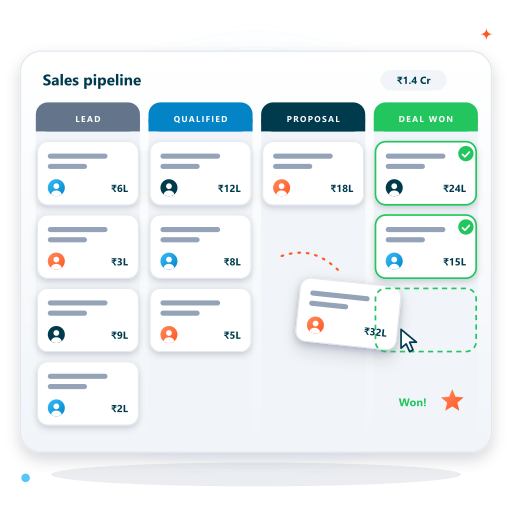
Single Window for All Conversations
Agents can respond to inquiries originating from WhatsApp, Instagram, Facebook, and Web Chat within one unified interface without switching browser tabs.
Explore Inbox Workspace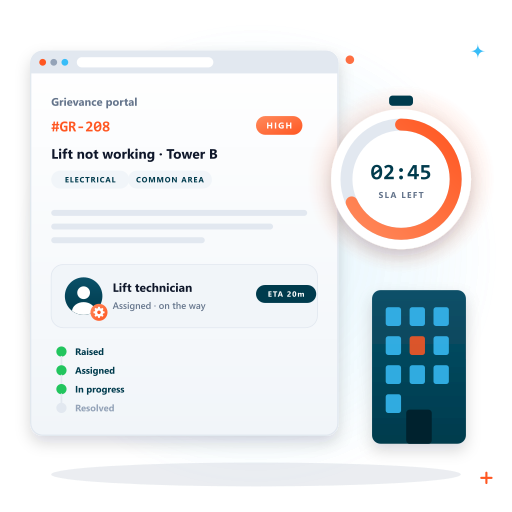
Intelligent Conversation Routing
Automatically distribute incoming customer chats to available agents using round-robin, department skills, language preferences, or VIP account matching.
View Routing Rules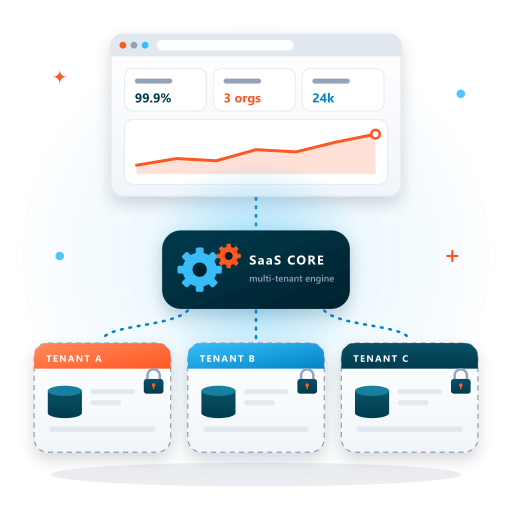
Internal Notes & Team @Mentions
Team members can exchange private internal notes and tag colleagues directly inside conversation threads without exposing notes to the customer.
See Collaboration Tools
Canned Replies & Response Macros
Empower agents with keyboard shortcuts to insert pre-approved responses, FAQ answers, pricing sheets, and payment links with a single keystroke.
Check Response Macros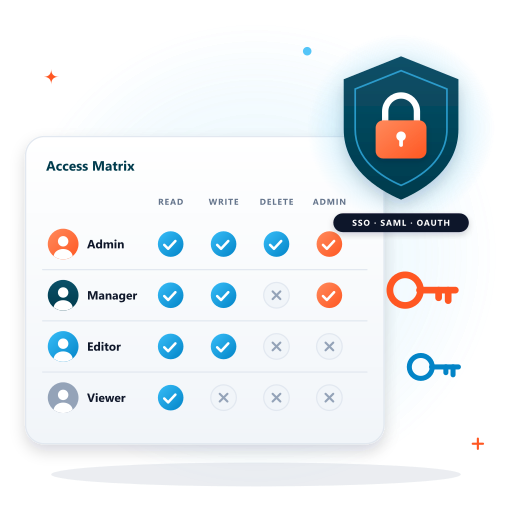
Live Collision Detection
Prevent two agents from responding to the same customer simultaneously with real-time visual indicators showing who is currently viewing and typing.
Discover Collision Safety
Agent SLA & Productivity Telemetry
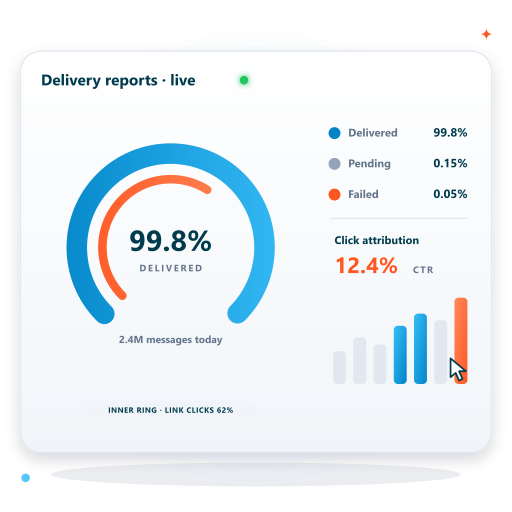
Track individual agent response speeds, daily resolution counts, average handle time (AHT), and overall team SLA compliance with exportable reports.
Inspect Performance MetricsInbox Collaboration & Helpdesk Architecture Matrix
Built on high-speed real-time WebSockets delivering instant message delivery across all agents.
Channel Ingestion
- WhatsApp Official Cloud API
- Instagram Direct Messages
- Facebook Page Messenger
- Website Real-Time Live Chat
- Telegram & Email Ticket Sync
Access & Permissions
- Admin, Lead & Agent Roles
- Department-Level Visibility
- Customer Data Masking
- Two-Factor Authentication
- IP Whitelisting & SSO
Productivity Tools
- Global Search & Chat Filters
- Custom Contact Tagging & CRM
- Automated Away & Close Rules
- File, Audio & Image Uploads
- Desktop Push Notifications
SLA & Intelligence
- First Response Time (FRT) Clock
- Resolution Time Benchmarks
- Customer CSAT Survey Triggers
- Real-Time Supervisor View
- 24/7 Dedicated Tech Support
Rapid Implementation & Onboarding Roadmap
Seamless end-to-end integration with dedicated engineering support, zero downtime, and complete team training.
Channel Integration
Connect your official WhatsApp Business API, Instagram, Facebook, and Web Chat endpoints to the unified portal.
Team Role Provisioning
Invite support agents, set role permissions, and group team members into Sales, Support, and Billing departments.
Routing Rules Setup
Define auto-assignment parameters such as round-robin distribution, working hour schedules, and fallback rules.
Canned Responses Import
Load your company FAQ library, approved message templates, and quick macros for instant agent use.
CRM & Webhook Sync
Connect your CRM database to display customer profiles and order histories alongside incoming chat threads.
Go-Live & SLA Oversight
Begin handling customer conversations with complete supervisor visibility and real-time SLA metrics.
Measurable Improvements with Unified Team Inbox
See how customer support and sales teams boost productivity and eliminate response delays.
65% Faster First Response
Centralized assignment and keyboard macros allow agents to acknowledge and resolve incoming inquiries in record time.
Zero Lost Inquiries
Shared inbox visibility ensures no customer inquiry slips through the cracks when an individual employee is out of office.
Complete Password Security
Team members access official WhatsApp and Instagram accounts via their own work credentials without sharing social passwords.
Granular Accountability
Every message, status change, and internal note is immutably timestamped with the agent identity for transparent auditing.
Unified Team Inbox Software FAQs
Clear answers to common questions about platform setup, compliance, APIs, and licensing.
Ready to Unify Your Customer Communications?
Connect with our customer support software specialists in Bangalore for a customized demonstration of our shared team inbox.
- Free Live Demonstration Tailored to Your Workflows
- Complete Onboarding, Data Migration & Setup Assistance
- Transparent Pricing with Zero Hidden Licensing Fees
- Dedicated Technical Account Management in Bangalore